If there’s one thing that I absolutely do every time I program, it’s that I google something. In fact, you probably found this site through google itself.
However a quick note here, I am going to show you googling tips and tricks in relation to software development and programming. Sure, you can use this in other areas, but I just wanted to state the point of this article.
Here is an outline of this page:
- Google Organization
- Google Query Tips and Tricks
- Tabs – Web, Image, etc.
- How to Google an Exact Search Term?
- How to Exclude a Word from a Search Result on Google?
- How to Search a Specific Site from Google?
- How to Perform a Wildcard Search on Google?
- How to Search Related Sites on Google?
- How to Perform Basic Math on Google?
- How to Search Multiple Words on Google?
- How to Search using a Range on Google?
- How to Format a Search on Google?
- Simplicity, Careful Terms, Descriptive Terms
- What are some Google Searching Shortcuts?
Google Organization
What is google organization?
It’s pretty simple, and this may vary from person to person, but I like to keep my programming and software development related environment, searches, etc. away from my personal stuff.
I do this by simply creating a separate personal gmail account related to my programming stuff. No relatives or personal friends have it, only people who might send me other programming stuff might have it.
This is by no means a way to keep people away or I’m trying to hide anything that may be bad, it’s only to keep my programming knowledge separated.
This has many benefits:
- You can save YouTube playlists on programming in one location
- Search queries are only related to programming, no “nearest burger joint” previous searches will show up, keeping everything organized.
- Again, with only the related search queries, when you’re showing a demo, you want to use your programming account, that way search history such as “how to shave a cat” doesn’t show up to your customer or managers if they want you to google something real quick.
- Oracle / Apache accounts require an email address, use this one, you’ll get emails from them.
- No advertisement garbage everywhere, you won’t be shopping amazon on this account, but you will get ads for programming certifications, not necessarily a bad thing in my opinion.
- Google Drive is a great place to save stuff, especially to this account. However keep in mind it’s probably a bad idea to put your employer’s / customer’s software on this. However, you can keep common queries or code pieces that you need to refer to often here.
Google Query Tips and Tricks
Okay here we go, the obvious tricks to googling that can be found in a thousand other places. However, I’ll associate them with programming as much as I can.
Tabs
Okay, so here’s the google homepage:
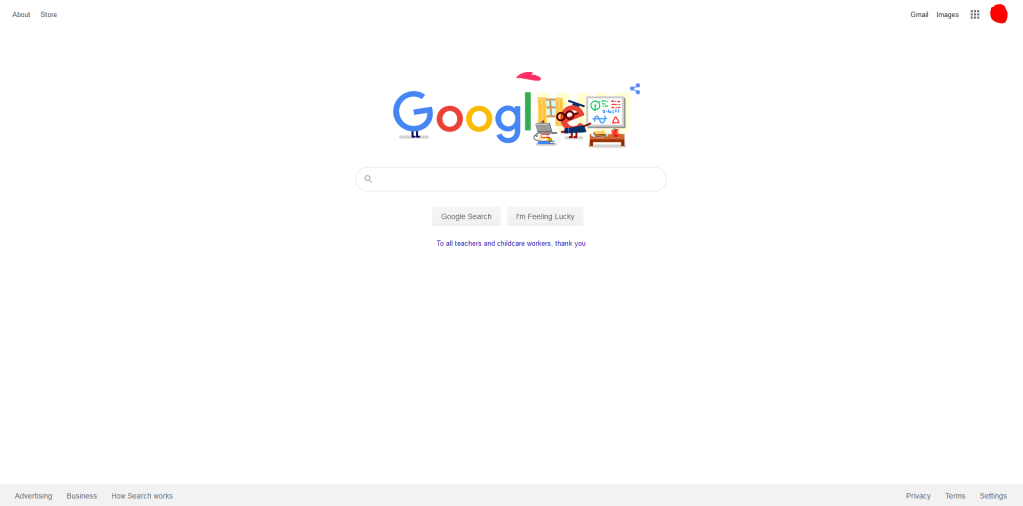
There are a few things to note here:
- The “How Search works” link in the bottom of the page, use this if you want more information on searching.
- The icon on the top right (red on mine), this will show who’s logged in to google.
- Also on the top right, is a direct link to your gmail and to the images tab
- Next to those on the top right, is a apps button (the icon button with all the tiny squares) which contains many other google apps, such as Keep, Drive, and Contacts
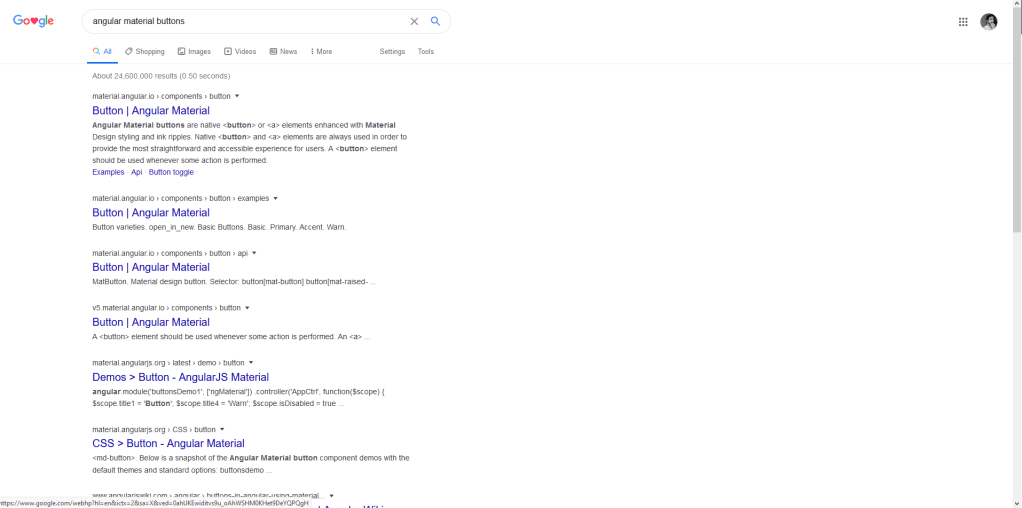
After performing a search, you’ll have the tabs at the top, such as All, Images, Videos, etc. use these to navigate through different stuff you might need. For example, if you want a conversion chart, you might have better luck just searching images and going from there, instead of clicking/searching the individual page results.
How to Google an Exact Search Term?
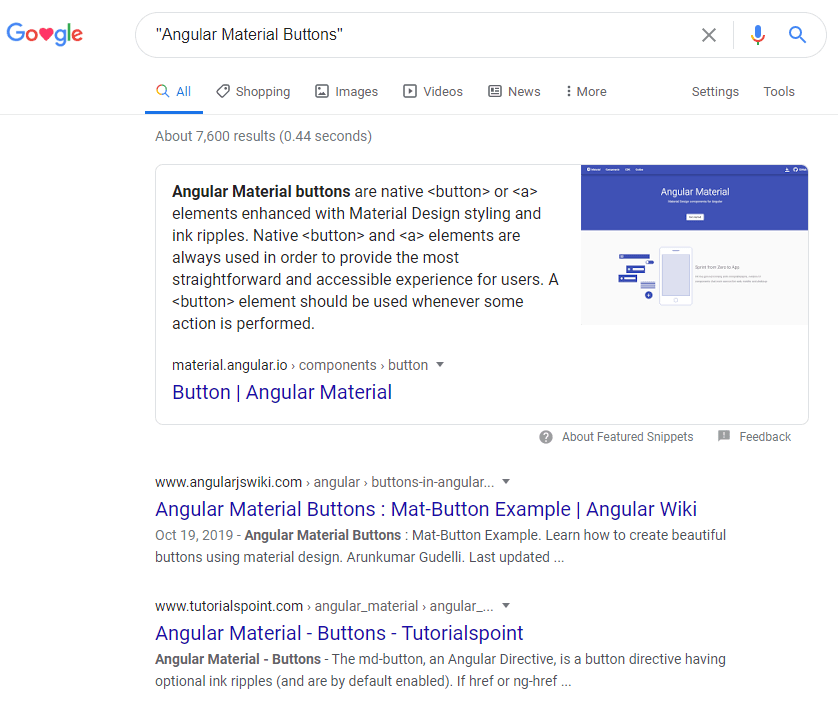
Simple, use quotation marks.
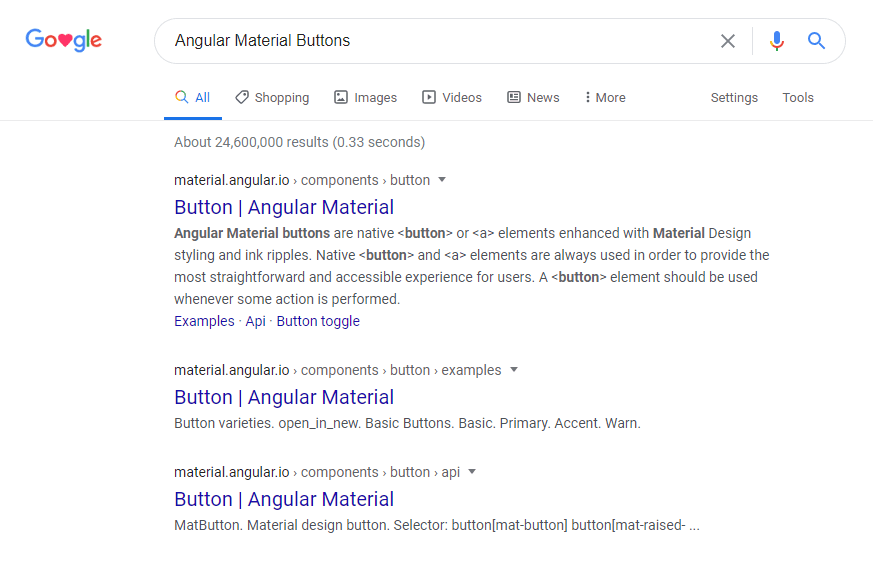
If you’re trying to search for front end elements, such as Angular, you want to search for “Angular Material Buttons”, cause if you just do Angular Material Buttons you will get a less refined search. They will still be pretty similar, but it helps narrow it down in some cases:
Angular Material Buttons Search:
“Angular Material Buttons” Search:
How to Exclude a Word from a Search Result?
Say if you want to google a weird programming term, but it’s also synonymous with some other thing, you would use a hyphen to exclude results in relation to the hyphened term.
For example, due to the Tiger King craze going on right now, every time I want to lookup “zookeeper” (which is a messaging data service for Kafka) I get a bunch of stuff from that show instead of docker container setups. In order to eliminate this, you would simply add a hyphen to your search:
zookeeper -tigerking
How to Search a Specific Site from Google?
A very common site that I search a lot is Stack Overflow. So if you’re just looking for answers to questions based on your topic, you can include a colon to accomplish this.
Example search for “How to install Docker on a Mac”:
How to install Docker on a Mac site:stackoverflow.com
Some other common programming sites that I use are the following:
- material.angular.io – angular related features
- baeldung.com – spring related features
- docs.oracle.com – java documentation
I’m sure there’s a bunch more that everybody uses, but these are just the ones I currently use and they vary from programmer to programmer.
How to Perform a Wildcard Search on Google?
First off, what is a Wildcard Search? Simply put, it’s anything and is commonly performed using a asterisk: *
For example, if you are searching: java * arrays
Then this could include any other words or results that contain anything where the asterisk is located (or nothing as well). Build off of this, some results could include the following:
- java string arrays
- java integer arrays
- java i hate arrays
- java arrays
How to Search Related Sites from Google?
This is a simple addition using the related keyword, where if you want to search other related programming sites.
For example, if you want a site that’s similar to Udemy, you can do the following:
related:Udemy.com
How to Perform Basic Math on Google?
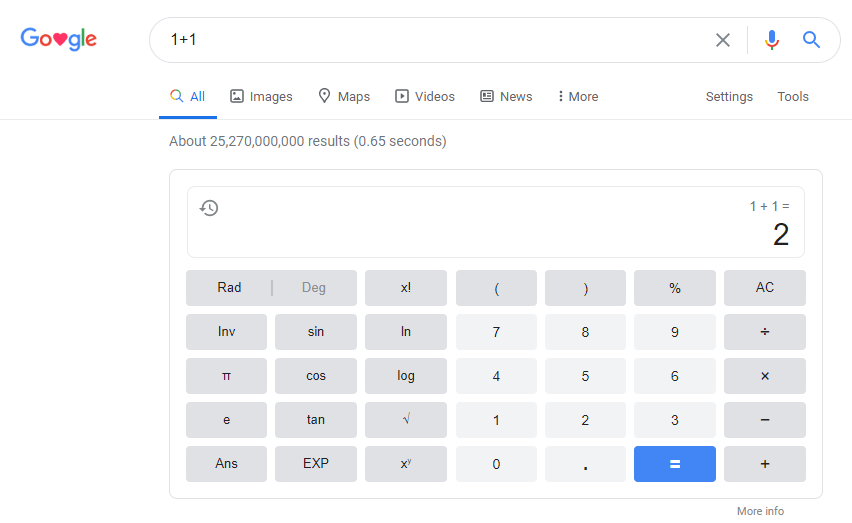
One of google’s great features is that is can perform basic math functions in the actual search field. This can be useful during quick calculations. Also, once you search your expression, and depending on the equation, it will include an applicable calculator.
For example, here is one where it calculates 1+1 = 2, which we all know can be false due to Big Discrete Mathematical Proofs, regardless, here’s the example:
How to Search Multiple Words on Google?
This can come in handy when you’re trying to figure out which-is-which, comparisons, or determination.
For example, if I’m trying to decide between using Java or C++ and a common operations grouped together, I would do something like this:
"Java Array Initialization" OR "C++ Array Initialization"
The key term here is the OR
How to Search using a Range on Google?
To perform a search range, you include two periods right next to one another: ..
This is useful when you have a ton of versions with the item you’re trying to search.
For example, here is a search for angular materials but only using versions 2-9
angular material design version 2..9
How to Format a Search on Google?
I’ll show a few examples on how to simplify your searches and help you to get what you need more directly.
- Keep it specific.
- Good: How to initialize an array in java
- Bad: initialize array
- Add more terms, make it more specific if you’re not finding what you need
- 1st Search: Button HTML
- 2nd Search: Angular Button
- 3rd Search: Angular 2 Button Material
- Use terms that are common on most websites
- Good: How to update java version on a virtual machine
- Bad: java version vm
- Important Terms Only
- This seems self explanatory, but only use terms that would actually help your searches.
- Good: DirectX download version 2006
- Bad: How to download a directx version
What are some Google Searching Shortcuts?
We’ve already shown some shortcuts up above, such as using the search field as a calculator, searching within sites. etc. However, there are a few others that are worth mentioning:
- Use Define: word if you want to search a direct definition
- Use Time place with place as the place you want to know the time from, your customers may not always be in the same time zone as your
- Type in a company’s stock ticker and it will instantly show the charts. This can be useful if your company just released a product and it didn’t do so well, so it can be an indicator if you need to find a new job.
 Coding Timplates